

Do you love colors and want to add your favorite ones to your WordPress admin panel? We’ve got you covered. From a huge range of available plugins for admin color themes, we’ve picked some of the best WordPress Plugins that will surely grab your attention and improve your workflow.
Let’s take a look at them below:
Content
Blue Admin by Linesh Jose
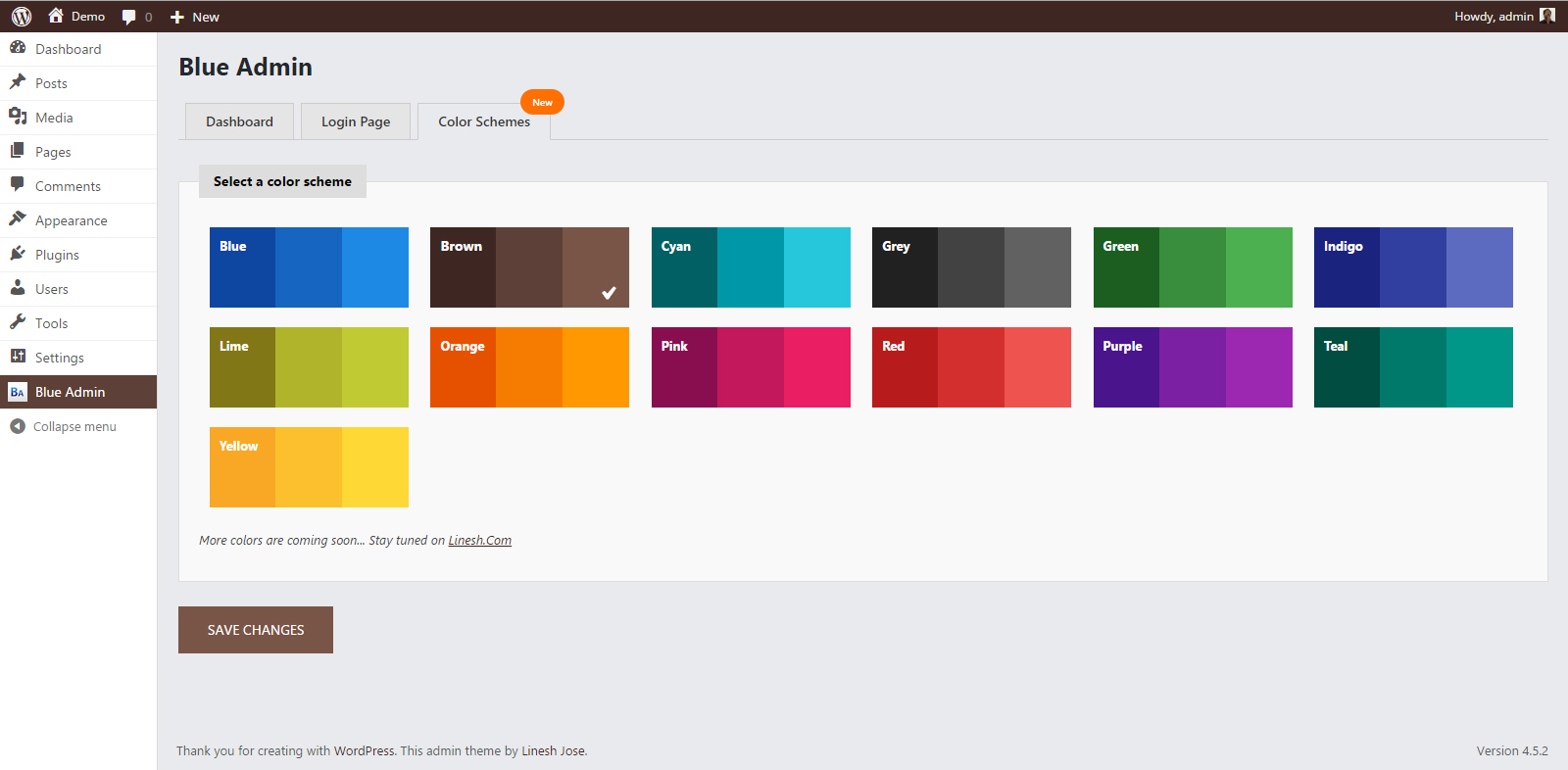
If you’re looking for a relaxed admin design, look no further than Blue Admin that makes your dashboard look more relaxed. As its name suggests, Blue will be the main color of this plugin. Other main features of this amazing plugin include but are not limited to RTL support for multiple languages, WP Multisite compatibility, WP Login page customization, custom navigation menus and more.
Slate Admin Theme by Ryan Sommers
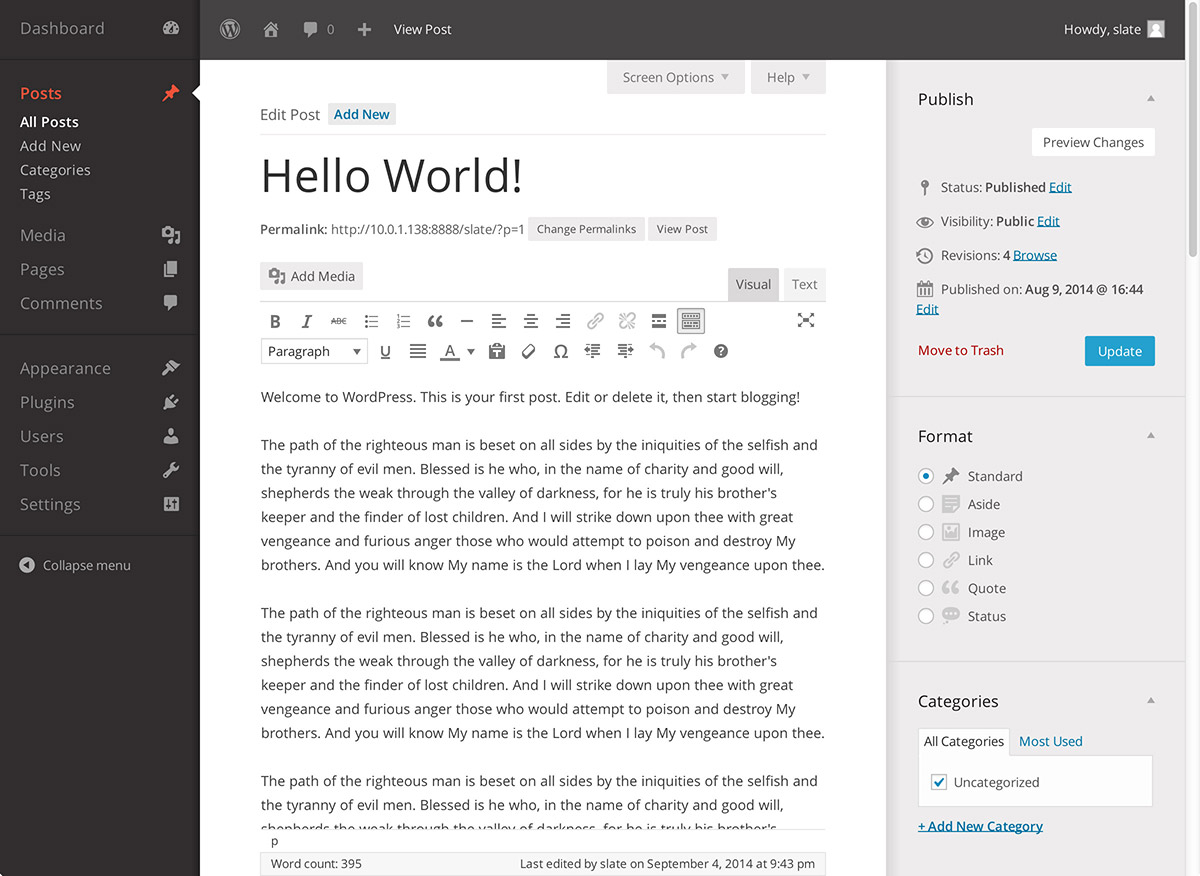
Slate Admin Theme provides with a minimalist design. The theme is designed to simplify your wp admin panel so you can work more efficiently and productively. It adds no bulk to your dashboard and you notice a more simplified and elegant WP admin panel.
Tamed Admin Theme by Luc Awater

This simple WordPress plugins transforms your dashboard into a peaceful and relaxed platform, ultimately doubling your efficiency. If you’re tired of your wp admin panel, consider adding this plugin to your WP admin panel to do work in style.
Admin Color Schemer by WordPress Core Team

With this Admin Color Schemer, you can create your own color scheme based on your preferences and requirements. You can choose from a range of multiple colors to design the best admin panel theme. Everything is very simple that even a novice with low tech knowledge can comprehend everything.
Have something to add to this story? Please feel free to share your valuable thoughts, using the comment box below.
Why Use WordPress Plugins for Admin Customization?
Using WordPress Plugins for dashboard customization is not just about design—it improves usability and productivity.
Key Advantages:
- Better visual comfort
- Improved workflow efficiency
- Personalized working environment
- Reduced cognitive load
How to Choose the Right Plugin
Before installing any of these tools, consider:
- Compatibility with your WordPress version
- Speed impact on dashboard
- Update frequency and support
- User reviews and ratings
Advanced Tips for Better Admin Experience
To get the most out of these tools, follow these tips:
- Avoid installing too many plugins at once
- Regularly update your plugins
- Use only trusted sources (WordPress.org or verified developers)
- Combine plugins with performance optimization tools
Common Mistakes to Avoid
Many users make these mistakes when using WordPress Plugins:
- Installing too many heavy plugins
- Ignoring plugin updates
- Using outdated or unsupported themes
- Not checking compatibility issues
Types of WordPress Admin Plugins
Understanding different types of WordPress Plugins for the admin panel helps you choose the right one:
1. Design & Color Customization Plugins
These plugins focus on changing the look of your dashboard:
- Admin color themes
- Custom UI layouts
- Branding elements
2. Productivity Plugins
These improve workflow inside the admin panel:
- Quick menu access tools
- Dashboard shortcuts
- Task management features
3. Security Plugins
Some tools also help protect your admin area:
- Login protection
- Role-based access control
- Activity monitoring
Performance Impact of WordPress Plugins
Not all WordPress Plugins are equal when it comes to performance.
Lightweight Plugins:
- Improve speed
- Use minimal server resources
- Ideal for large websites
Heavy Plugins:
- Can slow down admin dashboard
- May conflict with other plugins
- Require regular optimization
Best Practices for Using WordPress Plugins
To get the most out of your WordPress Plugins, follow these best practices:
- Only install necessary plugins
- Keep plugins updated regularly
- Remove unused or inactive plugins
- Test plugins before using on live site
- Always use trusted developers
Common Problems Users Face
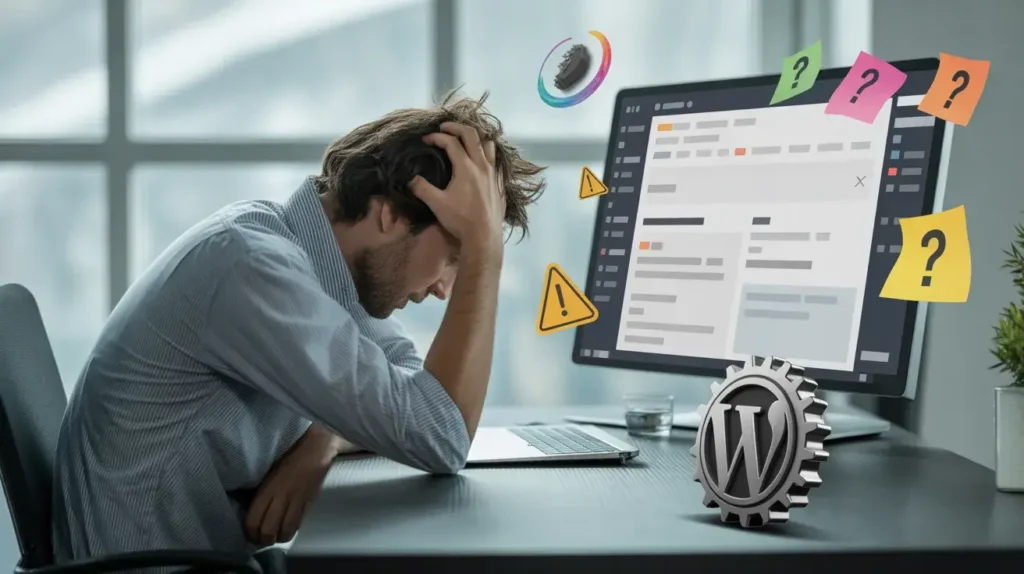
While using WordPress tools, users may face:
- Plugin conflicts causing errors
- Slow admin dashboard performance
- Compatibility issues after updates
- Difficulty in customization for beginners
Future of WordPress Admin Customization
The future of WordPress tools is becoming more advanced with:
- AI-powered dashboards
- Drag-and-drop admin customization
- Real-time collaboration tools
- Dark mode and accessibility improvements
- Faster, lightweight plugin architecture
This evolution is especially important for an SEO web developer, as it allows building more efficient, user-friendly, and performance-optimized WordPress websites with better control over design and functionality
Final Thoughts
Customizing your WordPress dashboard with the right WordPress Plugins can completely transform your workflow. Whether you prefer a minimalist design or a colorful interface, these plugins help you create a more comfortable and productive environment.
Choose wisely, keep your setup lightweight, and enjoy a better WordPress experience. For more information visit our website techgiftsforkids.
FAQ’s:
Are WordPress admin plugins safe?
Yes, if downloaded from trusted sources like the official WordPress repository.
Do WordPress plugins slow down the dashboard?
Only poorly optimized plugins can slow it down. Choose lightweight options.
Can I use multiple admin customization plugins?
Yes, but it’s recommended to avoid conflicts by limiting unnecessary plugins.
Are these plugins free?
Most WordPress Plugins listed here are free or offer free versions.

Julian is an expert in all things technology. He enjoys writing blogs about how to use the latest software and hardware on the market, while also providing advice for using existing technology more effectively. His favorite pastimes include reading comic books and playing video games.